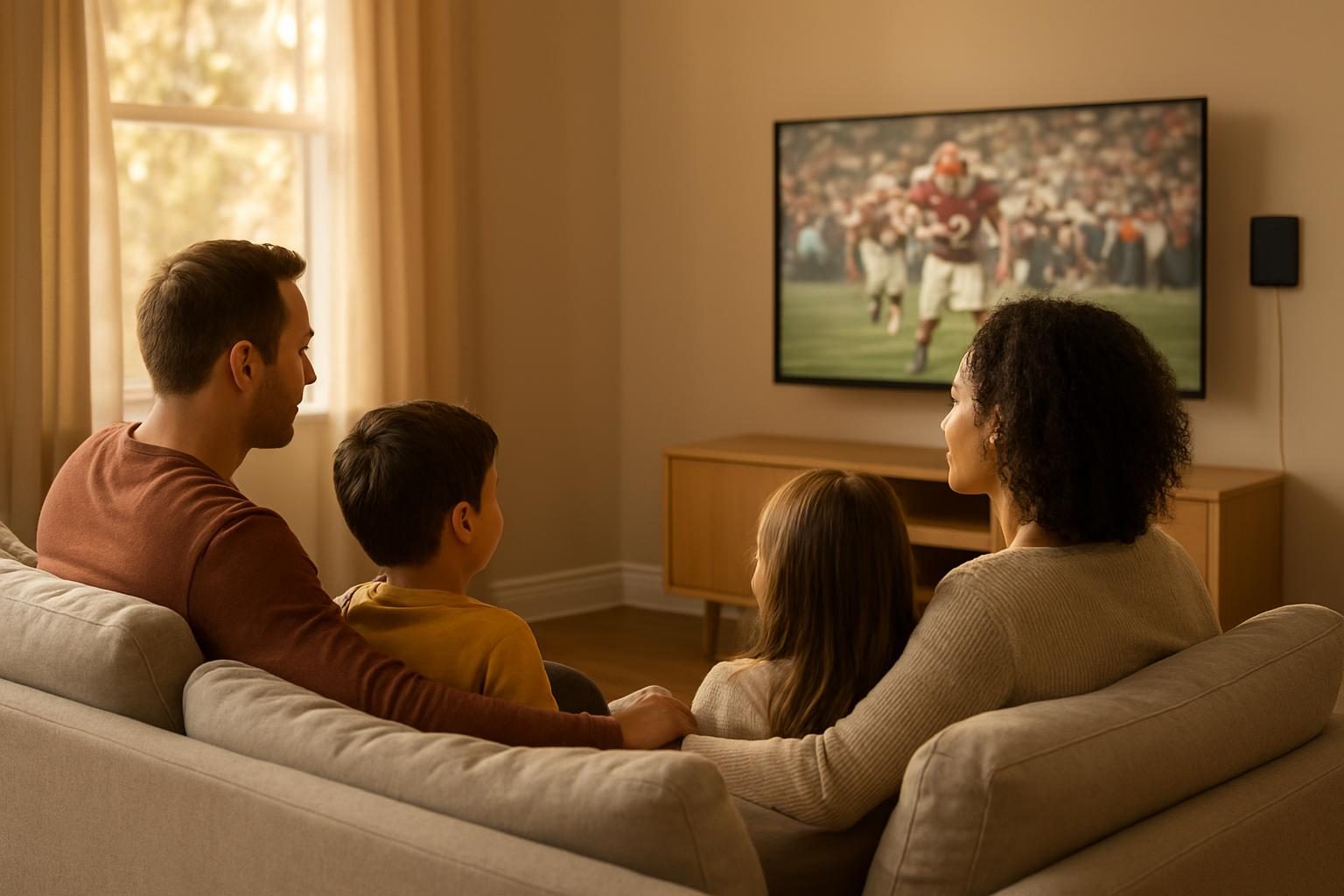
Cable TV can quietly eat $100 or more a month once you add box fees, taxes and broadcast surcharges. The good news: you can watch live local news, sports and prime-time shows for a fraction of that, and sometimes for nothing.
This guide ranks the cheapest way to watch live TV without cable, from free to budget-friendly, so you can pick the combination that fits your household.
Quick answer: The cheapest way to watch live TV without cable is a digital antenna: a one-time cost of roughly $15 to $60 for free local channels. Add free ad-supported streaming channels for more variety at $0 a month. If you need sports or cable networks, a live TV streaming bundle (often roughly $30 to $80+ a month, varies by provider) or short-term subscriptions can still beat a typical cable bill.
Start with what you actually watch
Before you buy anything, write down the live channels your household really uses. Most people say local news, a few sports games, weather and one or two favorite shows. That list decides which option below makes sense.
If your must-haves are mostly local channels (ABC, CBS, NBC, Fox, PBS and similar), you may not need to pay for live TV at all. If you need specific cable networks, you’ll want to compare streaming bundles carefully.
Option 1: A digital antenna (free live local channels)
A digital antenna picks up over-the-air broadcast signals, the same ones TV stations send to cable companies. There is no monthly fee, and no internet is needed. The picture is often as sharp as or sharper than cable, because broadcast signals are not compressed as heavily.
How much does it cost?
Indoor antennas typically run roughly $15 to $60. Outdoor or attic antennas cost more, often roughly $50 to $150 plus installation if you hire someone, but they can pull in more channels in rural areas. Prices vary by retailer and brand.
How many channels will you get?
It depends on where you live and how far you are from broadcast towers. Many city and suburban households get a good number of local channels, plus extra “sub-channels” that show classic TV, movies and weather. Rural areas may get fewer. You can check expected reception using the signal-lookup tool on the FCC’s website (fcc.gov) before you buy.
- Check your TV. Most TVs made in the last decade have a built-in digital tuner. Look in your settings menu for a “channel scan” or “antenna” input.
- Look up your signal. Use the FCC’s reception map to see which stations are near you.
- Buy a basic indoor antenna first. Keep the receipt in case you need to return it.
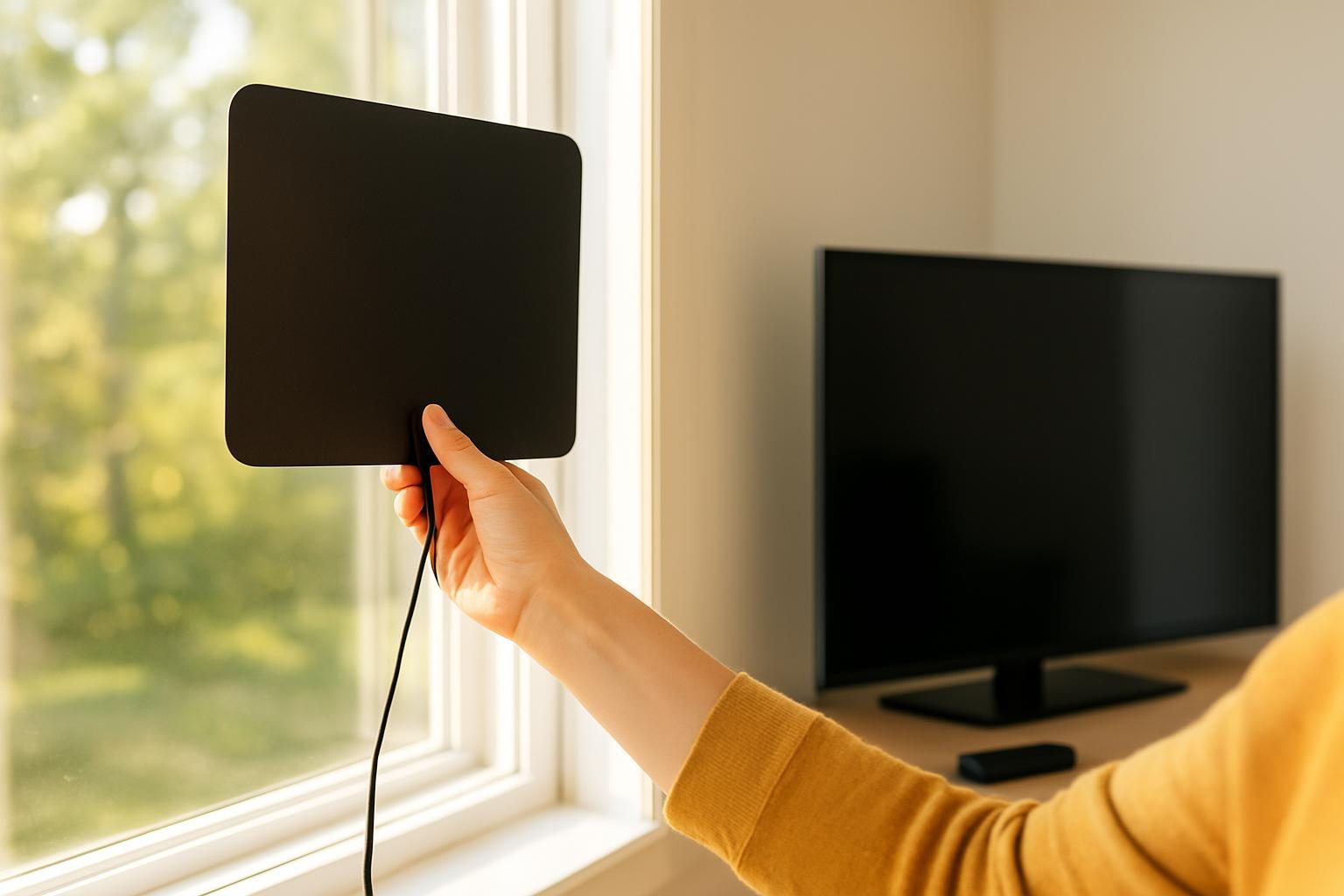
- Place it high, near a window. Facing the direction of the broadcast towers helps most.
- Run a channel scan. Do it again after moving the antenna, since each position can pick up different stations.

Option 2: Free ad-supported streaming channels
Many free streaming services offer live channels and on-demand shows, paid for by ads instead of a subscription. You’ll typically find rolling news, game shows, classic series, movies and weather channels. They require an internet connection and a smart TV or streaming device, but cost $0 a month.
Free options are a strong companion to an antenna: the antenna covers live local news and big broadcast events, while free streaming fills in everything else. Availability and channel lineups change often, so browse the app on your device to see what’s offered today.
The cheapest live TV setup is often an antenna plus free streaming channels, costing nothing a month.
Option 3: Live TV streaming bundles
These services stream live cable-style channels over the internet with no cable box. They are the closest replacement for traditional cable, and they work well if you need regional sports or specific cable networks.
They are not always cheap. Prices commonly run from roughly $30 for slimmed-down packages to $80 or more for large ones, and they often rise once a year. Extras like DVR upgrades or extra screens can add to the cost. Pricing varies by provider and region, so check the current price on each service’s own site.
How to keep the cost down
- Pick a smaller package. Skip big channel lineups if you only watch a handful of channels.
- Skip add-ons you won’t use. Extra sports tiers and premium upgrades can add up quickly.
- Watch for first-year promos. Introductory prices can end, so set a reminder to re-check the price.
- Pause when you can. Some services let you cancel and come back, which helps if you only watch during certain seasons.
Option 4: Rotate on-demand apps by season
If most of what you want is not truly live, such as dramas, comedies and documentaries, you may not need a live bundle at all. Subscribe to one on-demand app, watch what you want, cancel, then switch to another next month. This “rotation” approach keeps your streaming spend to one or two services at a time.
Our subscription audit guide walks through spotting forgotten subscriptions and canceling them, and the free Subscription Audit tool can add up what you’re really spending each month.
Cheapest live TV options compared
| Option | Typical cost (varies by area and provider) | Best for | Needs internet? |
|---|---|---|---|
| Digital antenna | Roughly $15-$60 one time | Live local news, sports and prime-time shows | No |
| Free ad-supported streaming | $0 a month | Variety, news, classic shows, movies | Yes |
| Live TV streaming bundle | Often roughly $30-$80+ a month | Cable networks and regional sports | Yes |
| Rotating on-demand apps | Roughly $5-$20 per app, per month used | Binge-watching without live channels | Yes |
| Traditional cable (for comparison) | Commonly $100+ once fees are added | Households that want one bundled bill | No (with a box) |
Money move: Buy a $20 to $40 indoor antenna this week and run a channel scan before you cancel anything. If it picks up the locals you need, you can drop the TV portion of your bill and keep only internet. Keep the receipt in case you need to return it.
Don’t forget the internet side of the bill
Streaming works best with a reliable internet connection, and cord-cutting can change your internet price. Many providers discount internet when it’s bundled with TV, so ask what your internet-only price will be before you cancel. Our guide on how to cancel cable but keep your internet covers what to say and what to confirm.
You don’t need blazing speed for streaming. For most households, a mid-range plan is plenty, and our internet speed guide helps you avoid paying for more than you use. If your plan is pricey, see cheapest internet providers or compare 5G home internet vs cable.
Check your bill for sneaky equipment fees
Cable bills often include box rentals, DVR fees and broadcast or sports surcharges that raise the real price. When you cut TV, make sure those charges disappear. If you rent a modem, a modem rental fee may be worth eliminating by buying your own, and some providers list other extras described in hidden internet fees explained.
How to cancel cable without losing money
- Test your replacement first. Run your antenna and any streaming trials for a week or two while cable is still active.
- Check your contract. Ask whether you have a term agreement or early termination fee before you call.
- Ask for internet-only pricing. Say: “I’d like to cancel TV and keep internet. What will my monthly internet price be, with all fees and taxes?”
- Get the details in writing. Ask for the new total, the effective date and a confirmation number or email.
- Return equipment and keep proof. Get a receipt for every cable box or card you return.
- Check the next bill. Confirm TV and equipment charges are gone, and dispute anything that remains.
If the rep won’t budge on price, it can help to ask for retention or loyalty offers. Our bill negotiation guide has scripts, and you can build your own with the Negotiation Script Builder. A word-for-word internet bill negotiation script is also on the way.
For more cable-cutting ideas, see how to lower your cable bill with 10 steps that cut $30 to $100, or browse everything in the Internet & TV category. For the full picture on your connection, start with the complete guide to lowering your internet bill.
Test your replacement setup before you cancel cable, so you never go a day without the channels you need.
If money is tight
If you’re struggling to cover bills, internet access matters more than TV. Some households qualify for discounted internet or phone programs, and your state or local agencies may offer additional help. Check our list of programs worth knowing, then confirm current eligibility and amounts with the program office, Benefits.gov or 211.
Also watch for price jumps. If a promotion is about to end, see what to do before an internet promo price ending catches you off guard.
Paying too much for TV and internet?
Tell us what you pay now and we will follow up with ways to lower it, from do-it-yourself steps to vetted partner offers. Free, with no obligation.
Thanks, we have it.
We will look at what you pay and follow up soon. Meanwhile, try our free negotiation script builder.
Key takeaways
- A digital antenna is usually the cheapest way to watch live local TV: a one-time cost, no monthly fee.
- Free ad-supported streaming channels can fill the gaps at $0 a month if you have internet.
- Live TV streaming bundles can beat cable but vary widely in price, so compare the total with taxes and add-ons.
- Test your replacement setup before you cancel, and ask for your internet-only price first.
- Confirm that TV charges and equipment fees disappear from your next bill, and return boxes with proof.
- Prices and channel lineups vary by area and provider, so check current details before you commit.
Frequently asked questions
What is the cheapest way to watch live TV without cable?
A digital antenna is usually the cheapest, because after a one-time purchase of roughly $15 to $60 you get local channels like ABC, CBS, NBC, Fox and PBS for free. Free ad-supported streaming services add more channels at no monthly cost. Both need either no subscription or only the internet you may already pay for.
Can I watch live TV without internet?
Yes, with an antenna. A digital antenna picks up over-the-air broadcast signals directly, so you don’t need internet or a subscription. Streaming options, including free ones, do require an internet connection. If you’re considering satellite internet alternatives like Starlink cost and plans, those also work with streaming services.
Will I still need a cable box or a new TV?
Most TVs made in the last decade or so have a built-in digital tuner, so you can plug in an antenna directly. If your TV is older, you may need a small converter box or a streaming device. Check your TV’s manual or settings menu for a tuner scan option.
Are live TV streaming services really cheaper than cable?
Often, but not always. Live TV streaming bundles commonly run from roughly $30 to over $80 a month, and prices change frequently. They can save money if you were paying for cable plus a box fee, but they cost more than an antenna plus one or two on-demand apps. Add up the full price, including taxes and extras, before deciding.
How do I keep my internet but drop cable TV?
Call your provider and ask to cancel the TV portion while keeping internet only. Ask what your internet price becomes afterward, since some bundle discounts disappear. Return any cable boxes and get a receipt, and check your next bill to confirm TV charges and equipment fees are gone.
Bill Reduction Institute is an independent publication, not a provider. We may earn referral fees from partners, and we always say so. Prices and offers vary by area and provider and can change.