
Most households pay for internet speed they never come close to using. Internet providers love to sell you the next tier up, but a faster plan only helps if your home can actually use it.
The good news: figuring out how much internet speed you need takes about ten minutes, and it can cut your bill by $10 to $40 a month or more, depending on your area and provider. (Reducing other household bills like your electric bill works the same way.)
Quick answer: Most households do fine with 100 to 300 Mbps. One or two light users can get by on 25 to 100 Mbps, while big families with heavy streaming, gaming and video calls may want 300 to 500 Mbps. Gigabit (1,000 Mbps) is rarely necessary. Match your plan to your real usage, then use our Internet Speed & Price Checker to see if you’re overpaying.
What “Mbps” actually means
Mbps stands for megabits per second. It measures how much data your connection can move each second. Higher numbers mean faster downloads and smoother video, up to the point where your devices can’t use any more.
Think of it like a water pipe. A wider pipe lets more water flow, but if you’re only filling a glass, a fire-hose size pipe doesn’t help. That’s why buying more speed than your household uses is just paying extra for nothing.
Download vs. upload speed
Download speed is how fast data reaches you: streaming, browsing, loading apps. Upload speed is how fast you send data out: video calls, cloud backups, posting large videos. Providers advertise download speed loudly and upload speed quietly, so check both before you buy.
Bandwidth vs. what you experience
Your plan speed is shared by every device on your network at once. A phone, a TV, a laptop and a game console all pull from the same pipe at the same time. That’s why household size and simultaneous use matter more than any single activity.
How much speed each activity takes
Here are rough, commonly cited ballparks for how much bandwidth each activity uses. Exact numbers vary by service and video quality, so treat these as planning estimates, not guarantees.
| Activity | Approximate speed needed (per device) |
|---|---|
| Email and web browsing | 1 to 5 Mbps |
| Music streaming | Under 1 Mbps |
| HD video streaming | 5 to 8 Mbps |
| 4K video streaming | 15 to 25 Mbps |
| Video calls (Zoom, FaceTime, Teams) | 2 to 8 Mbps each way |
| Online gaming | 3 to 10 Mbps (low delay matters more than raw speed) |
| Large game or file downloads | Faster is better, but it still works on slower plans, just takes longer |
Notice how small most of these numbers are. Even a 4K stream tops out around 25 Mbps. A single person rarely needs anything close to a gigabit.
Speed only helps if your household can actually use it, so pay for your real usage, not the brochure.

How much internet speed do I need by household size?
Add up what everyone in your home might do at the same time during your busiest evening hour. That’s your peak load, and it’s the number that matters.
| Household | Typical use | Speed range that usually works |
|---|---|---|
| 1 person, light use | Browsing, email, one HD stream | 25 to 100 Mbps |
| 2 people | Streaming, a video call, browsing | 100 to 200 Mbps |
| 3 to 4 people | Multiple streams, gaming, remote work or school | 200 to 400 Mbps |
| 5+ people or heavy users | Several 4K streams, gaming, uploads, smart home gear | 300 to 500 Mbps |
These are general ranges, not hard rules. Your needs shift with how many video calls overlap and how many people stream in separate rooms.
When you probably need more
- Two or more people work from home with daily video calls.
- You regularly upload large files, such as video editing or big photo backups.
- Several people stream 4K or game online at once.
- You have lots of smart cameras, speakers and other connected devices.
When you probably need less
- You live alone or with one other person.
- You mostly stream in HD, browse and scroll social media.
- You rarely have more than two or three devices active at once.
Find your real speed in 5 steps
Before you change anything, find out what you pay for and what you actually get. This takes about ten minutes.
- Check your current plan. Look at your bill or your provider’s online account for the advertised download and upload speeds.
- Run a speed test. Use a free speed test site or app. For the most accurate result, plug a computer into the router with an Ethernet cable, close other apps, and test a few times at different hours.
- Compare to your plan. If you consistently get far less than advertised, the issue may be your router, Wi-Fi, or your provider, not your plan tier.
- Count your peak use. List the devices and activities running at once on your busiest night, then use the table above to estimate the total.
- Match plan to need. Pick the lowest tier that comfortably covers your peak load with some headroom, roughly 20 to 30 percent extra.
Our Internet Speed & Price Checker can walk you through this and show whether your current price looks high for the speed you have.
Money move: Call your provider and ask what the next-lower speed tier costs. If you’re consistently using well under half of your current speed, downgrading one tier often saves $10 to $30 a month in many areas, and you can usually switch back later if needed. Prices vary by provider and location. For provider-specific strategies, see our guide on how to lower Spectrum bills.
Why paying for more speed often doesn’t help
A lot of “slow internet” complaints aren’t caused by the plan at all. Before you pay for a faster tier, rule out the cheaper fixes.
Your Wi-Fi might be the bottleneck
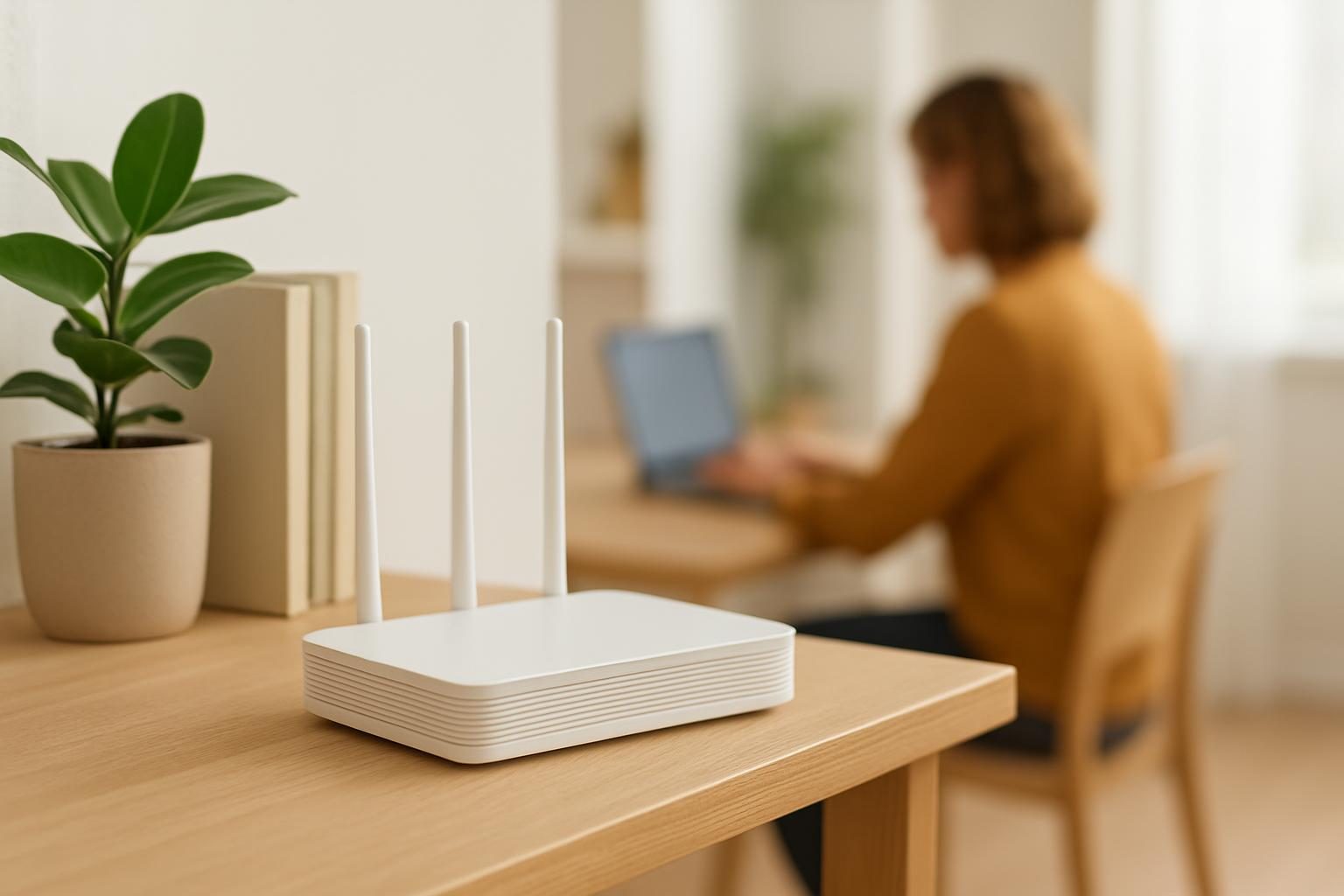
Walls, distance and an old router can cut speeds dramatically in far rooms. Moving the router to a central, open spot is free and often helps. If your router is many years old, a newer one can improve speeds without changing your plan.
Peak-hour crowding
On some networks, especially cable, neighbors sharing the same line can slow everyone down in the evening. If speeds collapse every night, that’s worth raising with your provider.
Too many devices, not too little speed
Dozens of smart gadgets, cameras and tablets can crowd a network. Disconnecting devices you don’t use can make a visible difference.
Fix your Wi-Fi before you upgrade your plan. A better router is cheaper than a faster tier.
Cable, fiber and 5G: speed isn’t the only difference
Two plans with the same download speed can feel very different. The technology behind the connection affects upload speed, reliability and how well it holds up at busy times.
- Fiber usually offers fast, balanced upload and download and steady performance, but it isn’t available everywhere.
- Cable is widely available and fast on download, but upload is often much slower, and speeds can dip at peak hours.
- 5G home internet and fixed wireless can be a lower-cost option in some areas, though performance depends on your signal.
If you’re weighing technologies, see our upcoming comparison of fiber vs cable internet and our guide to 5G home internet vs cable.
How to pay less once you know your number
Once you know the speed you really need, you have leverage. Providers would rather keep a customer at a lower price than lose them entirely.
Ask for a lower tier or a better rate
Call and say: “I’d like to review my plan. I’ve checked my usage and I don’t need this much speed. What’s the lowest-priced plan that gives me about [your target] Mbps?” Ask about current promotions for existing customers too. Our guide on how to negotiate bills has word-for-word scripts you can adapt.
Watch for expiring promo prices
Many plans jump in price after 12 or 24 months. If yours is ending, that’s your best moment to renegotiate or switch. See what to do before your internet promo price ends.
Check equipment and fees
A monthly modem or router rental fee can quietly add up over a year. Buying your own compatible equipment can pay for itself, as we cover in our modem rental fee guide.
Compare other providers and plans
Your address determines your options, so check who serves it. Our list of cheapest internet providers is a good place to start, and our complete playbook to lower your internet bill covers every lever.
Low-income and assistance options
If money is tight, you may qualify for discounted service. The Lifeline program and various provider low-cost plans can cut your bill significantly. See our guide to low income internet plans and programs, and confirm current eligibility and amounts with the official program source, your provider, or 211.
What you might save
Savings depend on your area, provider and current plan, so these are rough, typical ranges rather than promises.
| Action | Possible monthly savings |
|---|---|
| Drop down one speed tier | About $10 to $30 |
| Return a rented modem and buy your own | About $10 to $15 (varies by provider) |
| Negotiate or switch after a promo ends | About $10 to $40 |
| Qualify for a low-income plan or program | Varies widely by program |
Want a bigger picture? Our Bill Savings Finder helps you spot savings across all your recurring bills, not just internet.
Paying for internet speed you don’t use?
Tell us what you pay now and we will follow up with ways to lower it, from do-it-yourself steps to vetted partner offers. Free, with no obligation.
Thanks, we have it.
We will look at what you pay and follow up soon. Meanwhile, try our free negotiation script builder.
Key takeaways
- Most households do well with 100 to 300 Mbps; gigabit is rarely needed.
- Count what your household does at the same time on your busiest night, then add 20 to 30 percent headroom.
- Slow internet is often a Wi-Fi or router problem, not a plan problem, so test before you upgrade.
- Check upload speed too, especially if you work from home or make lots of video calls.
- Once you know your number, call your provider and ask for a lower tier or better rate.
- If money is tight, look into Lifeline and low-income internet programs and confirm eligibility at the official source.
Bill Reduction Institute is an independent publication. We may earn referral fees from partners, which never changes how we describe your options.
Frequently asked questions
Is 100 Mbps enough for a family of four?
For many families, yes. 100 Mbps typically handles a few simultaneous HD streams, video calls and web browsing. If you have several 4K streams, heavy gaming and frequent large downloads all at once, 200 to 300 Mbps gives more breathing room. Test your actual use before paying for more.
Is 25 Mbps fast enough in 2025?
For one or two people doing email, browsing and one or two HD streams, 25 Mbps can work. It gets tight with video calls, 4K streaming or several people online at once. Many households find 50 to 100 Mbps more comfortable.
Do I need gigabit internet?
Most households do not. Gigabit (1,000 Mbps) mainly helps homes with many heavy users, frequent huge file transfers, or people who want the shortest possible download times. If you mostly stream and browse, you can likely save money on a lower tier.
Why is my internet slow even though I pay for a fast plan?
The plan speed is the maximum your connection can deliver, not a guarantee at every device. Wi-Fi range, an old router, a congested network at peak hours, or too many devices can all slow you down. Test with a cable connected to the router to see what you actually get.
What is the difference between download and upload speed?
Download speed is how fast data comes to you, which matters for streaming and browsing. Upload speed is how fast you send data out, which matters for video calls, cloud backups and posting large files. Cable plans often have much slower upload than download, while fiber is usually more balanced.