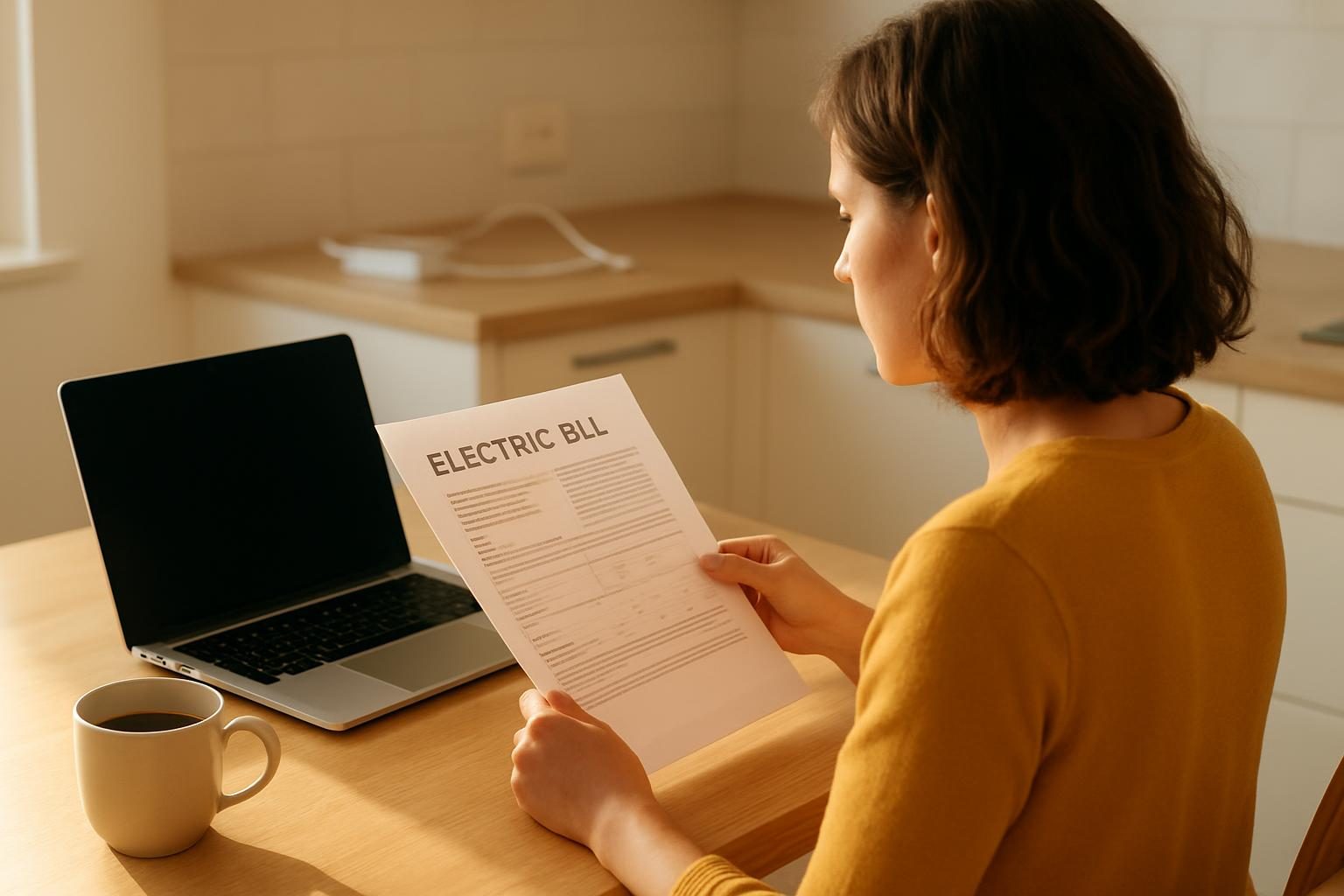
Your TV is off. Your game console is “asleep.” Your phone charger is sitting in the wall with nothing attached. And yet your electric meter keeps quietly ticking.
That hidden drain is called phantom energy, and it’s one of the easiest places to trim a bill because it costs you nothing to stop. Here’s which devices are the worst offenders, how to find them and what to do about each one.
Quick answer: Phantom energy is the electricity devices use while off or idle. It often adds up to roughly 5% to 10% of a typical home’s electricity use, which could be about $5 to $15 a month for many households (it varies by home and local rates). The biggest culprits are entertainment centers, cable and DVR boxes, game consoles, desktop computer setups, and old chargers. Plugging groups of devices into a switched power strip is the simplest fix.
What Is Phantom Energy?
Phantom energy goes by several names: standby power, vampire power, idle load. It all means the same thing. A device is “off” but still drawing a trickle of electricity.
Why does it happen? Devices stay partly awake so they can do things like:
- Listen for a remote control signal
- Keep a clock or display running
- Stay connected to Wi-Fi so they can start up fast
- Download updates in the background
- Keep a battery topped off or a charger “ready”
One device sipping a watt or two is nothing. But the average home has dozens of plugged-in items, so the small sips add up across the whole house, every hour of every day.
How Much Does Phantom Energy Actually Cost?
There’s no single number that fits every home. Your cost depends on how many devices you own, how old they are and what you pay per kilowatt-hour (kWh, the unit your utility bills you for). Rates vary widely by state and provider.
As a rough, typical range, many households lose something like 5% to 10% of their electricity to standby loads. Use the table below as a ballpark, not a promise.
| Monthly electric bill | Approx. phantom share (5%-10%) | Possible yearly cost |
|---|---|---|
| $80 | $4 to $8 | $48 to $96 |
| $120 | $6 to $12 | $72 to $144 |
| $160 | $8 to $16 | $96 to $192 |
| $220 | $11 to $22 | $132 to $264 |
You won’t eliminate all of it, since some devices need to stay on. But even cutting half is real money, and it’s money you keep every year. Curious what a typical bill looks like where you live? Check our guide to the average electric bill by state and home size.
Small drains run 24 hours a day, so tiny wattage turns into real dollars over a year.

The Devices That Drain Money While “Off”
Not every gadget is a big offender. Here’s where to look first, roughly from the most common problem areas to the least.
Entertainment centers
This is usually the top spot. A TV, soundbar, streaming box, game console and cable or satellite box can all sit in standby together. Cable and satellite boxes (especially DVRs) are known for using nearly as much power “off” as “on,” because they keep recording and updating.
Game consoles can be sneaky too. If set to “instant-on” or “rest mode,” they may stay partly powered and download updates overnight. Switching to a true “off” setting usually cuts that draw.
Home office and computer gear
Desktop computers, monitors, printers, speakers and external drives often keep drawing power after shutdown. Laser printers and older printers are common culprits because they hold heat or stay ready to print.
Chargers and power bricks
Phone, tablet, laptop and toothbrush chargers can draw power with nothing attached. Newer ones are better, but older or very cheap ones can waste more. If a charger or power brick feels warm when nothing is connected, it’s wasting energy.
Kitchen appliances
Microwaves, coffee makers, toaster ovens and other appliances with clocks or digital displays draw a small amount all day. It’s tiny per item, but they’re easy to put on a switch or unplug if you rarely use them.
Other common sources
- Second fridges and freezers: Not phantom power exactly, but an old garage or basement fridge can be a major hidden cost.
- Smart speakers and hubs: They listen constantly, though most use modest power.
- Cordless phone bases, fax machines and old stereo gear: Often forgotten and often older and less efficient.
- Dehumidifiers, space heaters and fans with controls: Plugged-in units with electronic controls may still draw power when off.
- Anything with a glowing light or clock: A good rule of thumb is that a light means it’s drawing power.
How to Find Your Biggest Phantom Loads
You don’t need fancy gear to get started, but a couple of inexpensive tools make it far more accurate.
Option 1: Use a plug-in watt meter
A plug-in watt meter (often called a “Kill A Watt” style meter, sold at hardware stores and online for roughly $15 to $30) shows how many watts a device uses. Plug the meter into the wall, plug your device into the meter, and read it while the device is “off.”
To estimate cost, use this simple math: watts × hours per day × 30 ÷ 1,000 = kWh per month. Multiply that by your rate per kWh (listed on your bill). A device pulling 10 watts all day uses about 7 kWh a month, which might cost around $1 to $2 depending on your rate.
Some local libraries and utilities lend these meters for free, so it’s worth asking.
Option 2: The no-gadget method
No meter? Try this free test:
- Turn off or unplug everything you can safely unplug in one room or the whole house.
- Find your electric meter or your utility’s online usage page.
- If you have a smart meter, check your hourly usage overnight when everyone is asleep. That “base load” is your always-on baseline.
- Unplug groups of devices and watch whether the overnight baseline drops.
Many utilities offer online hourly usage data. Log in to your account and look for “usage” or “energy dashboard.” If you can’t find it, call and ask.
Step-by-Step: Cut Phantom Energy in an Afternoon
- Do a quick walk-through. Look for glowing lights, clocks, warm chargers and anything with a remote. Make a list.
- Group devices by location. Entertainment center, home office, kitchen counter and bedroom are the usual zones.
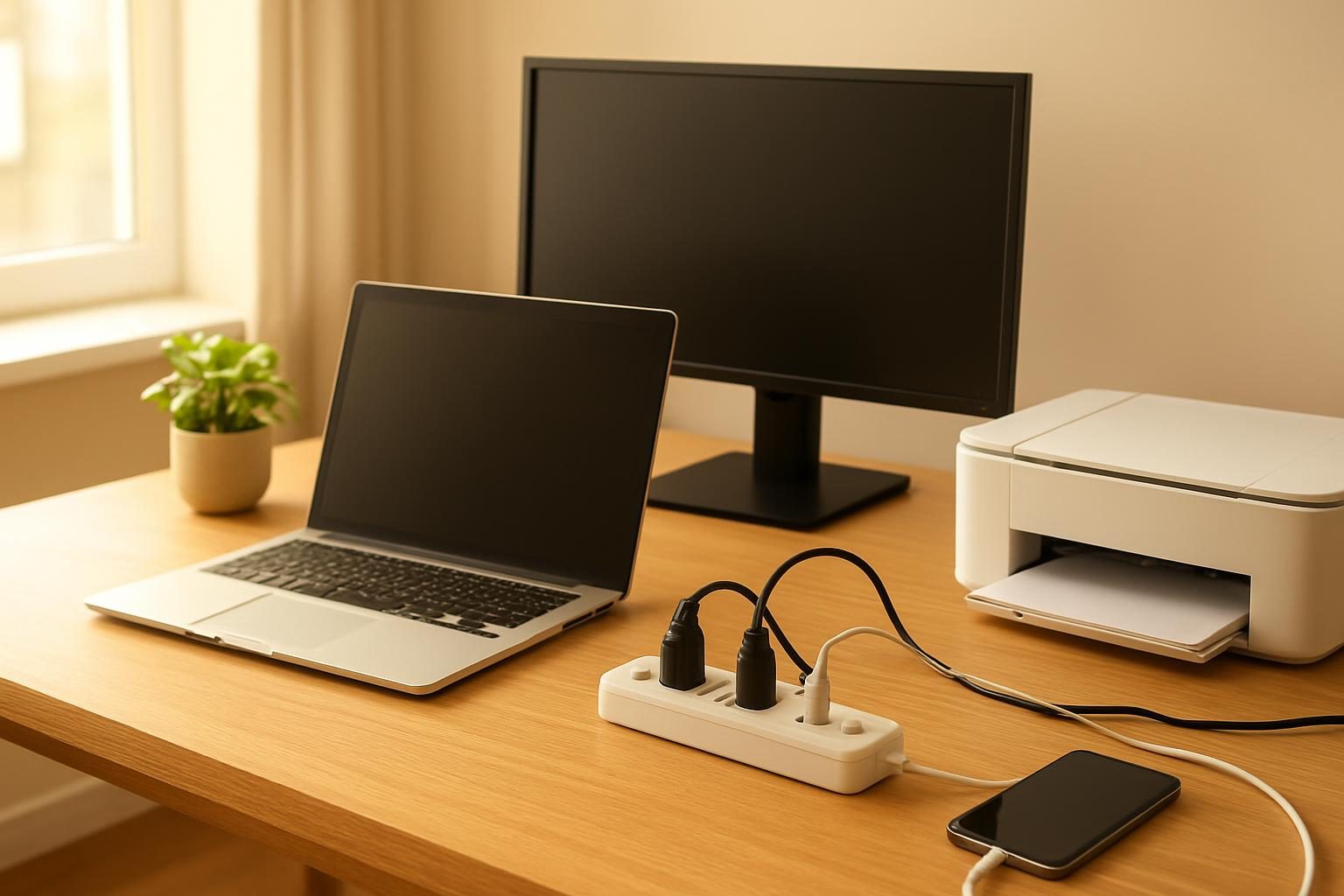
- Put each group on a switched power strip. One flip kills the power to everything on it. Basic strips cost around $10 to $20.
- Unplug the true no-use items. Old chargers, an unused printer, a spare stereo or a guest-room TV should simply come out of the wall.
- Change settings. Turn off “instant-on” or “quick start” modes on consoles and TVs, and enable true sleep or power-saving modes on computers.
- Re-check your usage. Compare your overnight baseline, or your next bill, to see the difference.
Money move: Plug your TV, soundbar, console and cable box into one switched power strip and flip it off when you leave or go to bed. It takes two minutes, costs about $10 to $20, and it’s often the single biggest phantom-energy win in the house. Just leave DVRs on if you need scheduled recordings.
The best savings tool is a $10 power strip and the habit of flipping it off.
What Should You NOT Unplug?
Saving a few dollars isn’t worth losing food, safety or service. Leave these alone unless the manufacturer says otherwise:
- Refrigerators and freezers, since food safety comes first.
- Smoke and carbon monoxide alarms and anything safety-related.
- Medical devices such as oxygen concentrators or CPAP machines. Follow your care team’s guidance.
- Your modem and router if you depend on home internet or phone service. If you’re also trying to trim that bill, see our complete playbook on lowering your internet bill.
- DVRs and anything with scheduled tasks, if you need them to record or update.
- Security cameras, garage door openers and smart locks you rely on.
When in doubt, check the manual or the manufacturer’s support page before cutting power.
Are Smart Plugs and Advanced Power Strips Worth It?
There are three common ways to control standby power. Here’s how they compare in typical terms (prices vary by retailer and brand).
| Option | Typical cost | Best for | Watch out for |
|---|---|---|---|
| Basic switched power strip | About $10 to $20 | Entertainment centers, home offices | You have to remember to flip it |
| Smart plug (app or voice control) | About $10 to $25 each | Scheduling lamps, small appliances, hard-to-reach outlets | The plug uses a little power itself, and it needs Wi-Fi |
| Advanced “smart” power strip | About $20 to $50 | Auto-cutting power to TV or computer accessories when the main device is off | Higher upfront cost; check how it detects “off” |
For most households, the basic switched strip wins on price and simplicity. Smart options make sense if you know you’ll forget, or if the outlet is hard to reach.
Bigger Wins Once You’ve Handled Phantom Loads
Phantom energy is a great starting point, but it’s one piece of a bigger puzzle. Heating, cooling and water heating usually dominate your bill, so don’t stop here.
- Get a view of the whole picture in our complete guide to lowering your electric bill.
- Ask your utility about a free home energy audit, which many utilities offer or discount. Availability varies, so call your provider to ask.
- If your utility offers it, check whether time-of-use rates could reward you for shifting usage to cheaper hours.
- Set your thermostat smartly with our upcoming guide to the best thermostat setting to save money.
- Look into energy efficiency rebates and tax credits before you buy new appliances. Rules change, so confirm current details with your utility and the IRS.
If your bills are the problem right now, not just something to optimize, take a look at every program worth knowing for help paying bills. Programs like LIHEAP (the Low Income Home Energy Assistance Program) can help eligible households with energy costs. Confirm current eligibility and amounts through your state’s LIHEAP office, 211 or Benefits.gov.
Realistic Savings: What to Expect
Let’s keep this honest. Cutting phantom energy won’t erase your bill, and savings depend on your devices, habits and local rates. But it’s free or close to it, and it works every month.
A typical household that tackles the entertainment center, home office and a handful of chargers might save somewhere around $5 to $15 a month. Homes with older electronics or lots of gear may save more. Stack that with other utility cost reductions and the total gets meaningful fast.
Want to see how this fits into your whole budget? Try our Bill Savings Finder to spot the bills with the most room to shrink.
Want to Shrink Your Electric Bill Further?
Tell us what you pay now and we will follow up with ways to lower it, from do-it-yourself steps to vetted partner offers. Free, with no obligation.
Thanks, we have it.
We will look at what you pay and follow up soon. Meanwhile, try our free negotiation script builder.
Key takeaways
- Phantom energy is power drawn by devices that are off or idle, and it often makes up roughly 5% to 10% of a home’s electricity use.
- The biggest sources are entertainment centers, cable and DVR boxes, game consoles, home office gear and old chargers.
- A $15 plug-in watt meter or your utility’s hourly usage data can show you exactly what’s draining power.
- Switched power strips are the cheapest, simplest fix. Group devices and flip one switch.
- Never unplug refrigerators, safety alarms, medical devices or equipment you rely on for internet and recording.
- Savings vary by home and local rates, so treat numbers as estimates and re-check your usage after you make changes.
Frequently asked questions
What is phantom energy?
Phantom energy (also called standby power, vampire power or idle load) is electricity a device pulls while it is turned off or sitting idle. Anything with a clock, remote sensor, status light or charging brick can do it. Each device uses a little, but a whole home full of them adds up.
How much does phantom energy cost per month?
It varies a lot by home, but a typical household might lose somewhere in the range of 5% to 10% of its electricity to standby loads. On a $150 bill, that could be roughly $8 to $15 a month. Homes with lots of electronics, older equipment or a second fridge can run higher.
Do chargers use electricity when nothing is plugged in?
Most modern chargers draw very little when nothing is attached, but older or cheap ones can draw a bit more. A charger that feels warm when unused is a sign it is wasting power. Unplugging it or using a switched power strip is an easy fix.
Is it safe to unplug everything every night?
For most electronics, yes, but not everything. Keep refrigerators, freezers, medical devices, smoke and carbon monoxide alarms, and your modem if you rely on internet or phone service plugged in. Some devices, like DVRs, need to stay on to record or update, so check the manual before cutting power.
Are smart plugs worth it for cutting phantom energy?
They can be, but they use a small amount of power themselves. A smart plug pays off when it controls a group of devices that waste more than the plug uses, like an entertainment center or home office. For a single low-draw item, a simple switched power strip is usually cheaper and just as effective.